Keeping coin purchases from being lost or granted twice
Marine Wobbles, my match-3 for Android, sells coin packs through Google Play Billing. Each purchase is recorded twice, in Google's records and in the game's save file, and the two can drift apart. These are the rules the game follows to keep them matched.
1.Grant coins only for paid purchases
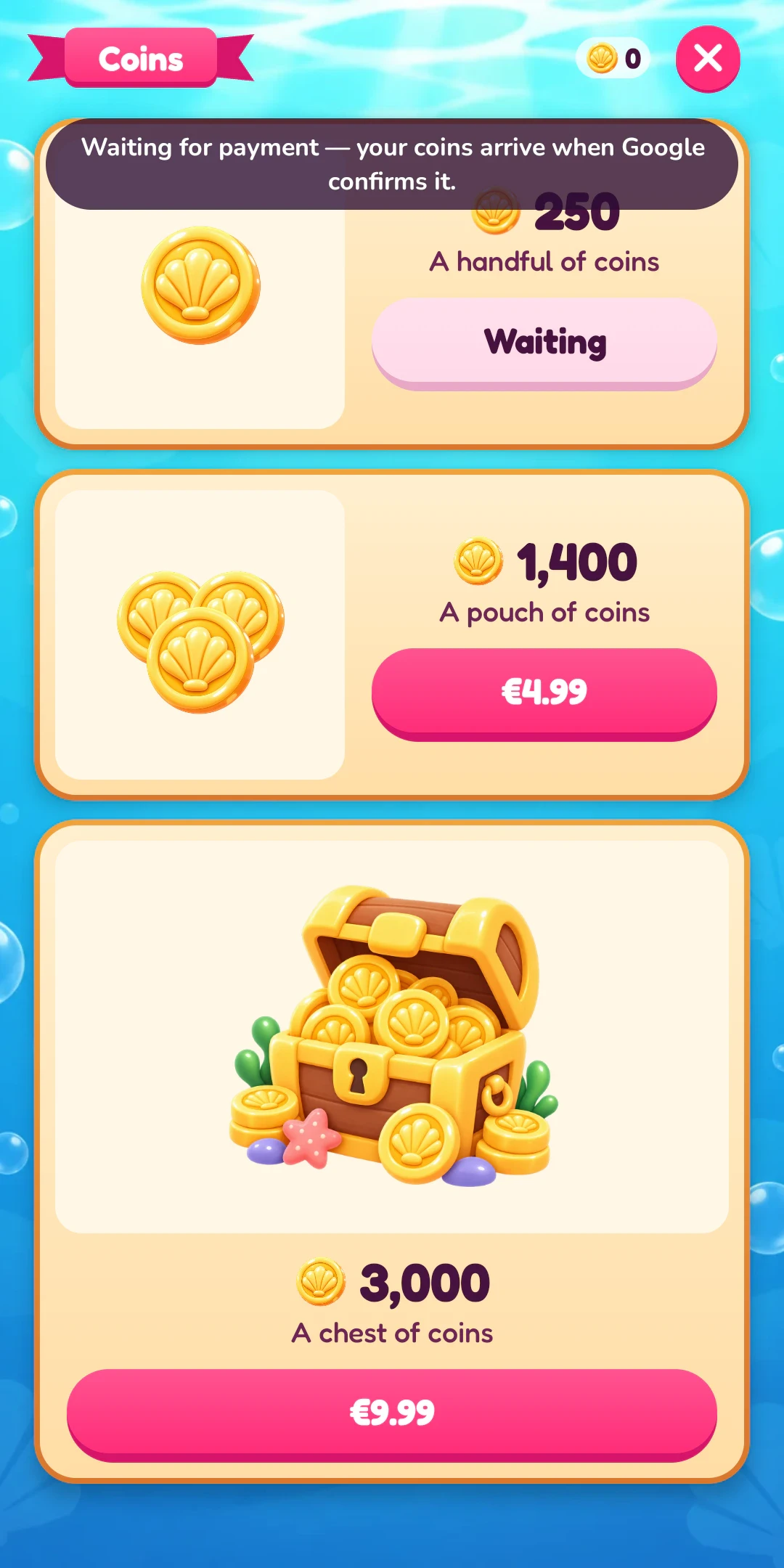
Google marks a purchase as PURCHASED or PENDING. Coins are granted only for PURCHASED. While a slow payment such as cash at a shop is pending, the pack shows “Waiting for payment — your coins arrive when Google confirms it.”
2.Save the coins before consuming
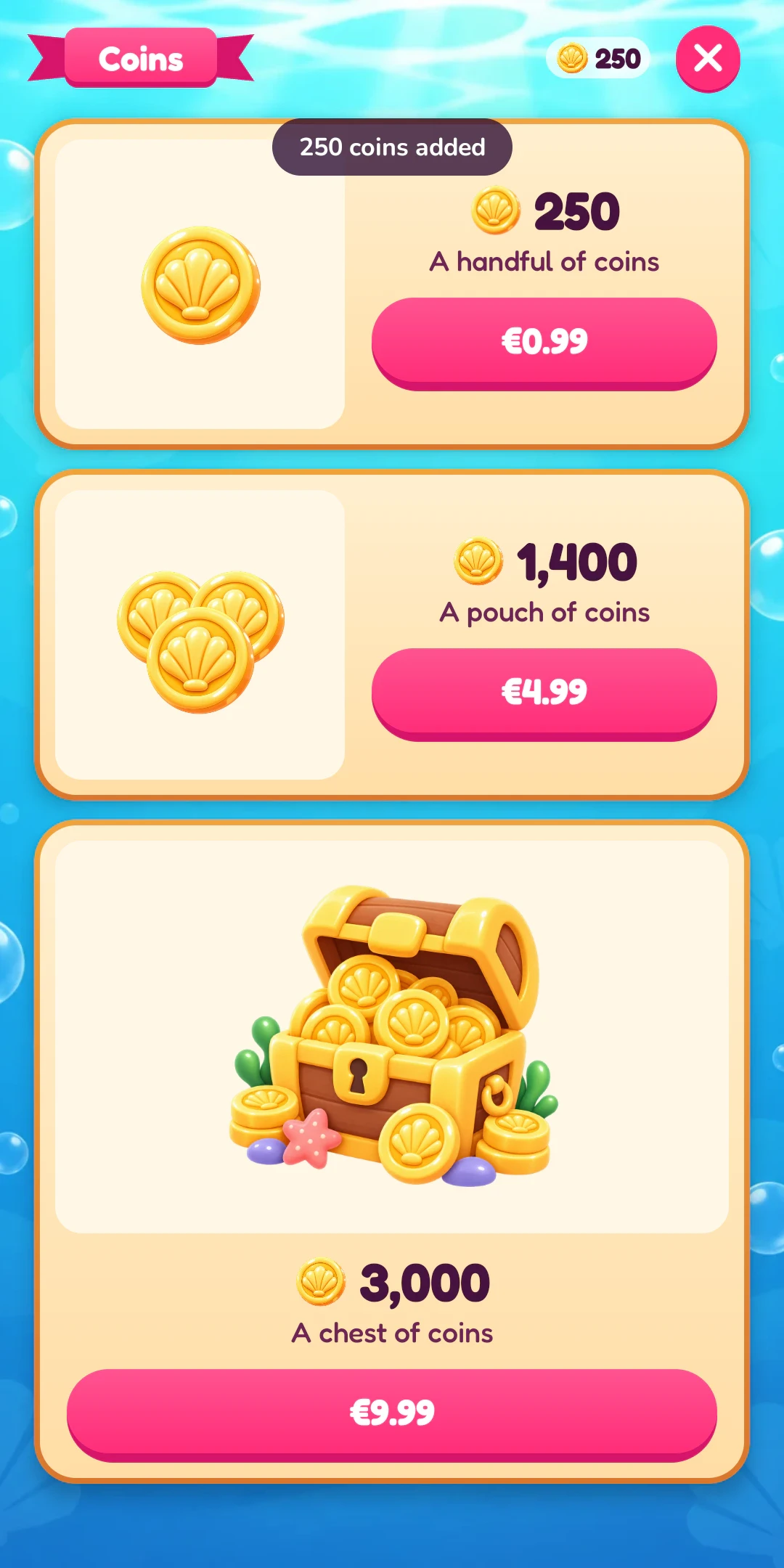
Consuming a purchase tells Google it has been used, so the pack can be bought again. After that, Google no longer returns it when the game asks for unfinished purchases. If the app closed after consuming but before saving, the player would lose coins they paid for.
So the game saves first. The new balance and the purchase token are written together in one save, and the game consumes only after that save has finished. If the app closes between the two steps, Google still holds the purchase and returns it on the next check.
3.Grant each purchase token once
Every purchase has a token. The game keeps every token it has paid out and never clears that list. If the same token arrives again, the game consumes the purchase without granting the coins a second time. Unit tests cover this, including the same token arriving twice.
4.Check for unfinished purchases on every return
Each time the game returns to the foreground, and when the coin screen opens, it asks Google for every unconsumed purchase and finishes each one with rules 1 to 3. That covers a payment that cleared while the game was closed, and a purchase the app closed in the middle of.
Is it paid?
Still pending: nothing yet, and it is checked again on the next return.
Is its token new?
Seen before: the game consumes it and grants nothing.
Save the coins and the token in one save
If the app closes here, Google returns the purchase on the next check.
Consume the purchase
The pack can be bought again.
If Google refuses a new purchase because an earlier paid purchase of that pack was never consumed, the game fetches that purchase and finishes it the same way.
5.Keep the game usable when Google Play can't be reached
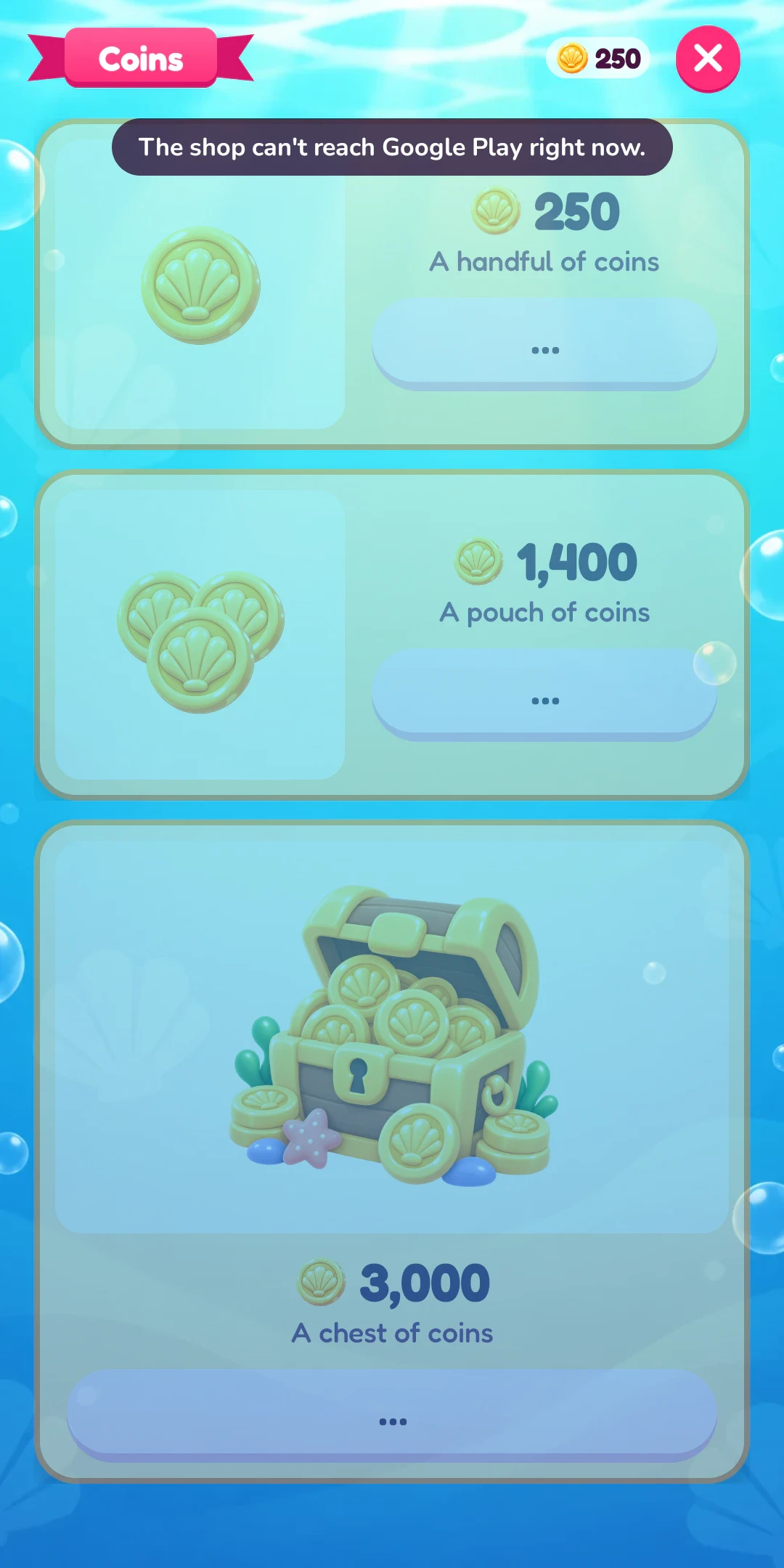
When the phone is offline or billing is unavailable, the coin screen still opens, with the packs greyed out and one line explaining why. Coins earned by playing and the booster store still work.
Before the store account is ready
- Put the shop behind an interface. Debug builds use a fake shop that can be set to succeed, wait, fail, cancel or be unreachable, so every state can be checked on a phone while the developer account is still being verified.
- Upload a build early. The Play Console won't let you create a product until you've uploaded a build that requests the billing permission.
Testing
With license testing on, Google's purchase sheet offers test cards: one that approves, one that declines, and slow ones that approve or decline after a few minutes. On the internal testing track I tried approved, declined, cancelled and slow purchases, and each paid purchase granted its coins exactly once.
No server, and what that costs
The game is single-player with no accounts, so it trusts what Google Play reports on the phone. Google reports refunds to a server, so a player who gets a refund keeps the coins.